
TOPIC
Apps & devices
Store submission and TV apps. Get your branded apps live on phones, the web and smart TVs, listed under your own name.







ARTICLES
Your apps on every screen
Submitting to the App Store and Google Play
Accounts, listings and review times.
iOS and Android apps
Native mobile apps in your brand.
The vertical micro-drama player
Swipe navigation built for 9:16 episodes.
Web and PWA
A responsive web app viewers can also install.
Smart TV apps
Apple TV, Android TV, Amazon Fire TV, Roku, Samsung and LG.
Writing your store listing
Screenshots, description and keywords, under your name.
New-episode push alerts
Bring viewers back when a new episode drops.
Testing before launch
What to check on each device before you submit.
POPULAR
Popular in this topic
What teams ask most when their apps head to the stores and the living room.
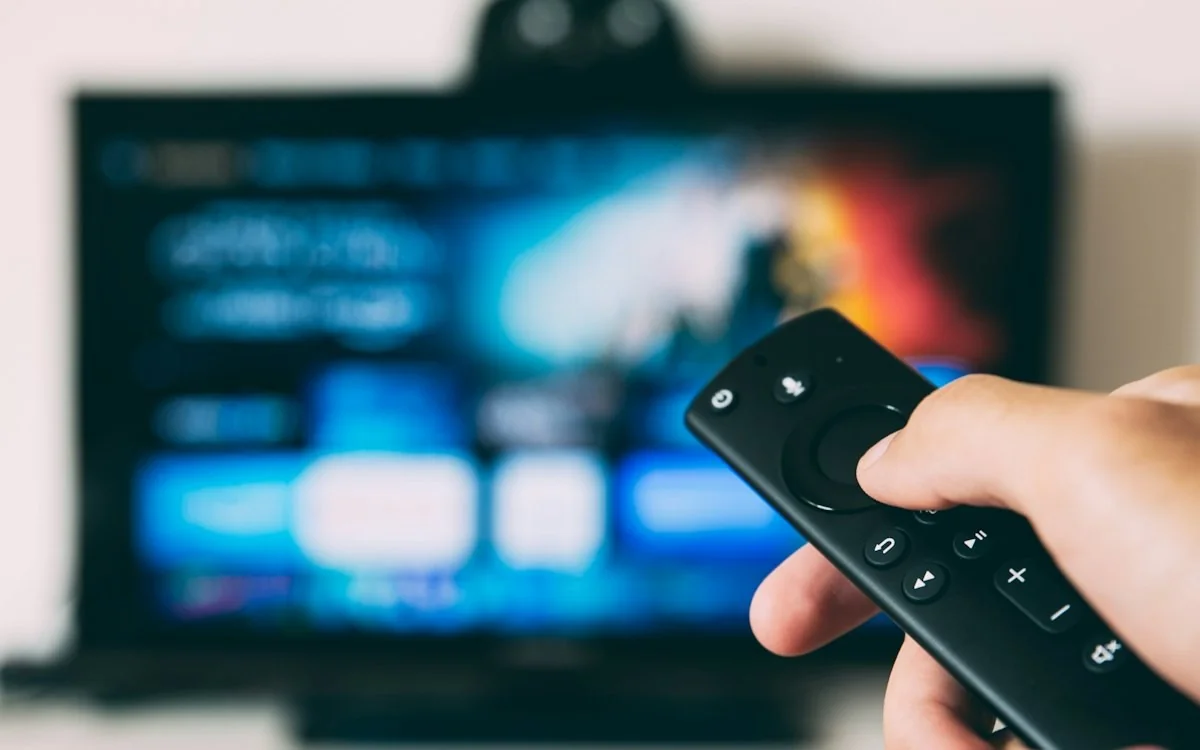
Every screen covered
QUICK START
From build to the stores
STEP 1
Choose platforms
Mobile, web, PWA and smart TV.
STEP 2
Prepare listings
Name, icon, screenshots and description.
STEP 3
Test your apps
Check playback and payments on each device.
STEP 4
Submit
App Store and Google Play, under your name.
KEEP EXPLORING
Other topics
Can’t find what you need?
Our team will answer your question directly.
GET STARTED
Ready to launch your streaming app?
Talk to our team and see your branded app running in a live demo.