
GUIDE
Planning a 24/7 FAST channel
How to turn the library you already own into a free, ad-supported channel with a schedule viewers can follow.
What a FAST channel needs
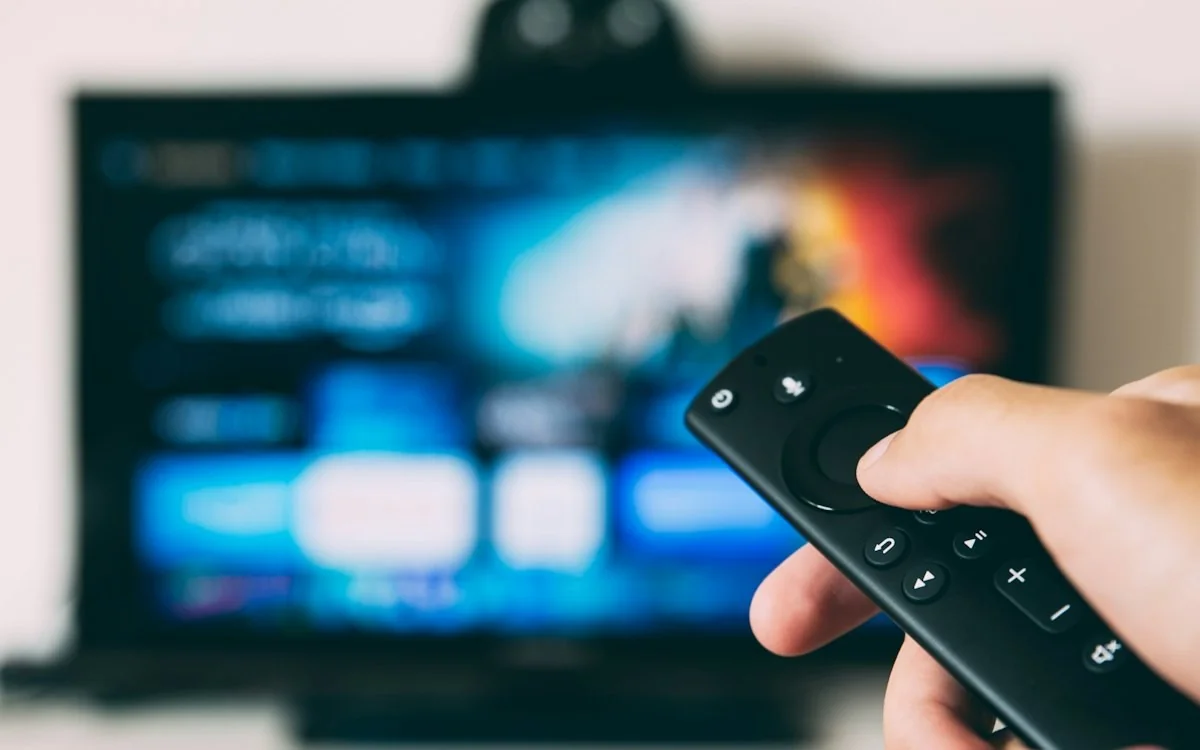
FAST stands for free ad-supported streaming TV. It is a linear channel that plays around the clock, like broadcast TV, delivered over the internet with ads instead of a subscription. NibbleFlix includes the FAST tools you need, an electronic programme guide (EPG) and server-side ad insertion (SSAI), with smart TV apps for Apple TV, Android TV, Amazon Fire TV, Roku, Samsung and LG.
Audit your library
- Check your rights. Confirm each title can be streamed free with ads in your target regions.
- Count the hours. Know how much content you can schedule before anything repeats.
- Group by theme. Genre, series or mood will become the backbone of your channel.
- Find natural breaks. Note where ads can go without cutting a scene.
- Drop expiring titles. Avoid scheduling content you will lose next month.
Build the schedule
- Choose one clear theme so a viewer knows what the channel is in seconds.
- Plan blocks by daypart, each with its own feel.
- Rotate programming so your library fills 24 hours without obvious repeats.
- Publish to the EPG with titles and descriptions for every slot.
- Refresh regularly with new titles so returning viewers find something new.
| DAYPART | EXAMPLE PROGRAMMING |
|---|---|
| Morning | Lighter titles and shorter episodes |
| Afternoon | Marathons of a single series |
| Prime time | Your strongest titles and premieres |
| Overnight | Encore rotation of earlier blocks |
Ads and SSAI
With server-side ad insertion, ads are stitched into the stream before it reaches the viewer. Playback stays smooth from programme to ad and back, and every screen gets the same experience.
Launch and grow
- Start with one channel and make it good before adding more.
- Promote the schedule so viewers know when their favourite block airs.
- Watch what holds viewers in your dashboard and adjust the schedule.
- Add a second channel once you have enough content for another clear theme.
GET STARTED
Ready to launch your streaming app?
Talk to our team and see your branded app running in a live demo.
