
In this article
- What a FAST channel EPG does
- Electronic program guide vs playout schedule
- Step 1: plan your FAST scheduling strategy
- Step 2: build your linear playout schedule
- Fill gaps the right way
- Mark ad breaks clearly
- Step 3: write metadata for every program
- Step 4: export your EPG in XMLTV and partner formats
- EPG XMLTV checklist
- Step 5: keep the FAST channel EPG accurate
- How NibbleFlix handles EPG and scheduling
- Key takeaways
- Frequently asked questions
- What is an EPG in a FAST channel?
- What is XMLTV?
- How far ahead should my EPG run?
- Can AI write my EPG descriptions?
A FAST channel EPG is the program guide that tells viewers what is on now and what is coming next. It is also the data feed that FAST platforms and smart TV guides read to list your channel. If it is missing or wrong, viewers scroll past and partners may reject your feed.
In short: to build a FAST channel EPG, you plan a repeatable schedule, attach clean metadata to every program slot, export it in a standard format such as XMLTV, and keep it in sync with what actually plays.
This guide walks through each step, the common mistakes, and how to keep your guide accurate as your channel grows.
What a FAST channel EPG does
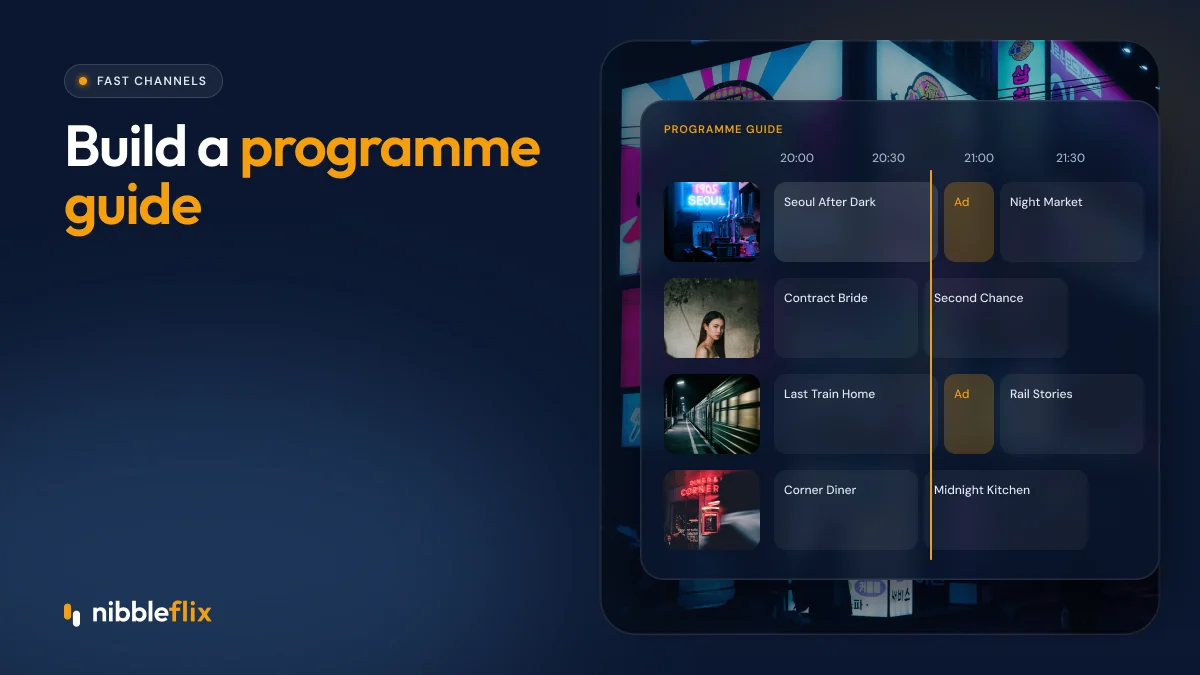
An electronic program guide has two jobs. For viewers, it is the grid they browse to decide what to watch. A good title and a short, honest description can turn a channel surfer into a viewer who stays for an hour.
For distribution, the EPG is a technical feed. FAST platforms and TV manufacturers ingest it to populate their guides. Many partners also use it to check that your schedule matches your stream and that ad breaks line up with program boundaries.
Electronic program guide vs playout schedule
These two are related but not the same. The playout schedule is the internal list of files and ad breaks your system plays, down to the second. The EPG is the viewer-facing version: program titles, descriptions, start and end times, and images. The EPG should be generated from the playout schedule, never typed up separately, so the two cannot drift apart.
Step 1: plan your FAST scheduling strategy
Before you touch any data, decide how your channel is structured. A clear structure makes the EPG easier to read and easier to maintain.
- Define the channel identity. One genre or theme per channel works best, such as true crime, cooking or classic anime.
- Use dayparts. Morning, afternoon, prime time and overnight blocks can each have a different tone.
- Build themed blocks. “Mystery Monday” or a weekend marathon gives viewers a reason to come back.
- Plan rotation. Decide how often an episode can repeat so the channel feels fresh.
- Think about time zones. A channel for Spain and Mexico needs prime time to land at sensible local hours.
Step 2: build your linear playout schedule
Next, turn the plan into a real schedule. Each slot needs a start time, a duration, the asset to play and the ad breaks inside it. Keep slots aligned to clean boundaries, such as the hour and half hour, because viewers and guides read them more easily.
Fill gaps the right way
Episodes rarely match slot lengths exactly. A 22-minute episode in a 30-minute slot leaves 8 minutes for ads and promos. Plan ad breaks and short promos to fill the gap, rather than letting programs drift a few minutes each hour. Drift is the most common reason EPGs fall out of sync.
Mark ad breaks clearly
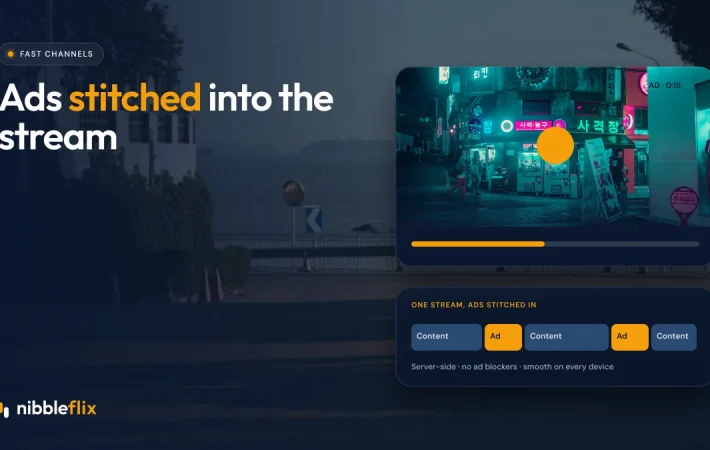
Ad break markers tell your ad system where to insert ads. With server-side ad insertion, these markers decide when ads are stitched into the stream. Place them at natural story breaks, not mid-scene.
Step 3: write metadata for every program
Program data is what viewers actually see. Treat it like shop window copy.
| Field | What to include | Common mistake |
|---|---|---|
| Title | Series name, consistent spelling | File names like “ep04_final_v2” |
| Episode title | Short, specific episode name | Leaving it blank |
| Description | One or two plain sentences | Copying the series blurb on every episode |
| Season and episode | Numbers in standard fields | Putting numbers only in the title |
| Genre and rating | Standard genre and age rating | Missing ratings for kids content |
| Image | 16:9 still or key art | Low-resolution or text-heavy images |
| Language | Audio and subtitle language codes | Mixing languages without labels |
If your library has thin metadata, AI tools can help. NibbleFlix includes AI metadata generation, which drafts titles, descriptions and tags you can review before publishing. See our five AI tools every streaming service should use.
Step 4: export your EPG in XMLTV and partner formats
XMLTV is the most widely used open format for EPG data. It is an XML file listing channels and programs, each program with start and stop times, title, description and optional fields such as category, episode number and image.
Some FAST platforms accept XMLTV directly; others ask for their own JSON or spreadsheet templates. A good EPG setup lets you generate each partner format from the same source data, so you only maintain the schedule once.
EPG XMLTV checklist
- Use correct time zones or UTC offsets on every start and stop time.
- Make sure programs do not overlap and there are no gaps.
- Provide at least 7 days of upcoming schedule, or what each partner requires.
- Use stable channel IDs that never change.
- Validate the file before every upload.
Step 5: keep the FAST channel EPG accurate
An EPG is never finished. Schedules change, rights expire and new episodes arrive. Set a routine: regenerate the guide automatically whenever the schedule changes, check a sample of slots against the live stream each week, and monitor partner reports for errors.
Localize where it pays off. A channel aimed at Germany and Austria needs German descriptions; one for Brazil needs Portuguese. AI subtitles and translation can speed up multilingual guides, but have a native speaker review the first batch.
How NibbleFlix handles EPG and scheduling
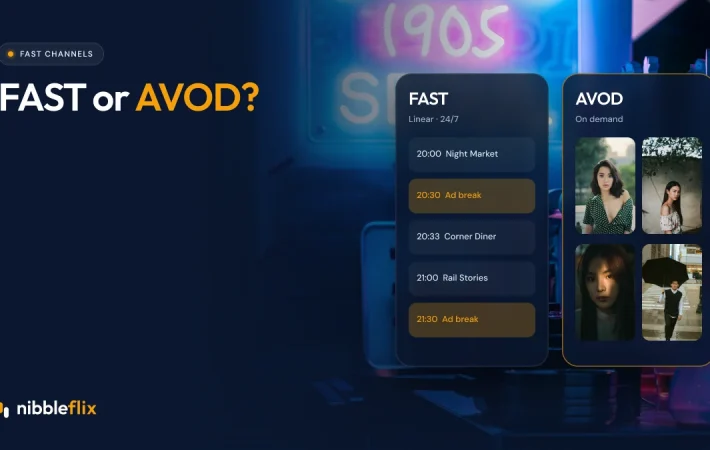
NibbleFlix includes FAST channel tools with an EPG and server-side ad insertion built in. You upload content, schedule releases and manage your library in the admin dashboard and CMS without writing code, and your branded apps can run on smart TVs including Roku, Fire TV, Samsung and LG. If you are still deciding on a model, read FAST vs AVOD first.
Key takeaways
- Your EPG serves viewers and partners, so both readability and technical accuracy matter.
- Generate the guide from the playout schedule to avoid drift.
- Write real titles and descriptions for every episode, not file names.
- Export XMLTV and partner formats from one source and validate before upload.
Want to see a FAST schedule and guide built from your own library? Book a demo with our team.
Frequently asked questions
What is an EPG in a FAST channel?
An EPG, or electronic program guide, is the schedule data for your FAST channel. It lists each program with start and end times, titles, descriptions and images. Viewers use it to decide what to watch, and FAST platforms and smart TV makers ingest it to show your channel in their guides.
What is XMLTV?
XMLTV is an open XML format for TV listings. It describes channels and programs with fields such as start time, stop time, title, description, category and episode number. Many FAST platforms accept it directly, and others ask for their own formats that can be generated from the same schedule data.
How far ahead should my EPG run?
Most partners expect several days of upcoming listings, and seven days is a common baseline. Check each platform’s requirements, since some ask for more. Generating the guide automatically from your playout schedule makes it easy to keep a rolling window filled without extra manual work each week.
Can AI write my EPG descriptions?
Yes, AI metadata tools can draft titles, descriptions and tags from your video files, which saves time on large libraries. Treat the output as a first draft. Review a sample for accuracy and tone, especially in each target language, before publishing it to viewers and FAST partners.