
In this article
- Why vertical video streaming apps need their own design
- Core principles of a 9:16 video player
- 1. Full bleed, edge to edge
- 2. Thumb-zone controls
- 3. Minimal chrome
- 4. Readable subtitles
- 5. Right-to-left and localization ready
- Swipe video player UX: getting navigation right
- Designing the unlock moment
- Performance: the invisible part of design
- Beyond the player: home, discovery and habit
- Build or launch on a ready vertical player?
- Key takeaways
- Frequently asked questions
- What is a vertical video streaming app?
- Why does a 9:16 video player matter for micro-dramas?
- How should swipe navigation work in a drama app?
- Can a vertical drama player also run on TV?
A vertical video streaming app lives or dies by its player. When episodes last one to three minutes, any friction between them (a loading spinner, a misplaced button, an awkward paywall) breaks the spell and sends viewers back to social feeds.
Short answer: the best vertical video streaming app experience uses a full-screen 9:16 player, swipe-up navigation to the next episode, instant preloading, minimal on-screen controls, and unlock prompts placed right at the cliffhanger.
This guide covers the design principles behind a great vertical drama player and how to get them right without building one from scratch.
Why vertical video streaming apps need their own design
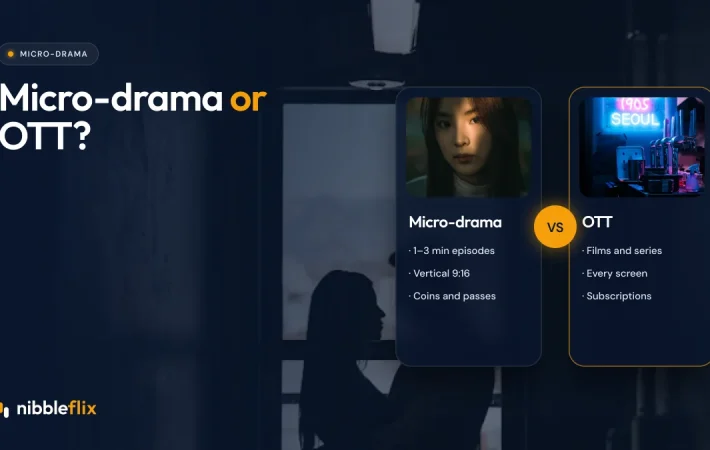
Most streaming apps were designed for horizontal 16:9 video watched on TVs and laptops. Micro-dramas are shot for phones held in one hand. Viewers arrive with habits formed by social video: swipe, tap, keep going.
Those habits are strong. Sensor Tower found that average daily time in short drama apps reached 25 minutes by April 2026, up 85% from January 2025. The largest streamers have taken note too: Apptopia reports that Disney+ launched Verts and Netflix and Prime Video both launched Clips in 2026.
Simply rotating a traditional player does not work. Mobile-first streaming needs a different layout, different gestures and a different relationship between content and commerce.
Core principles of a 9:16 video player
1. Full bleed, edge to edge
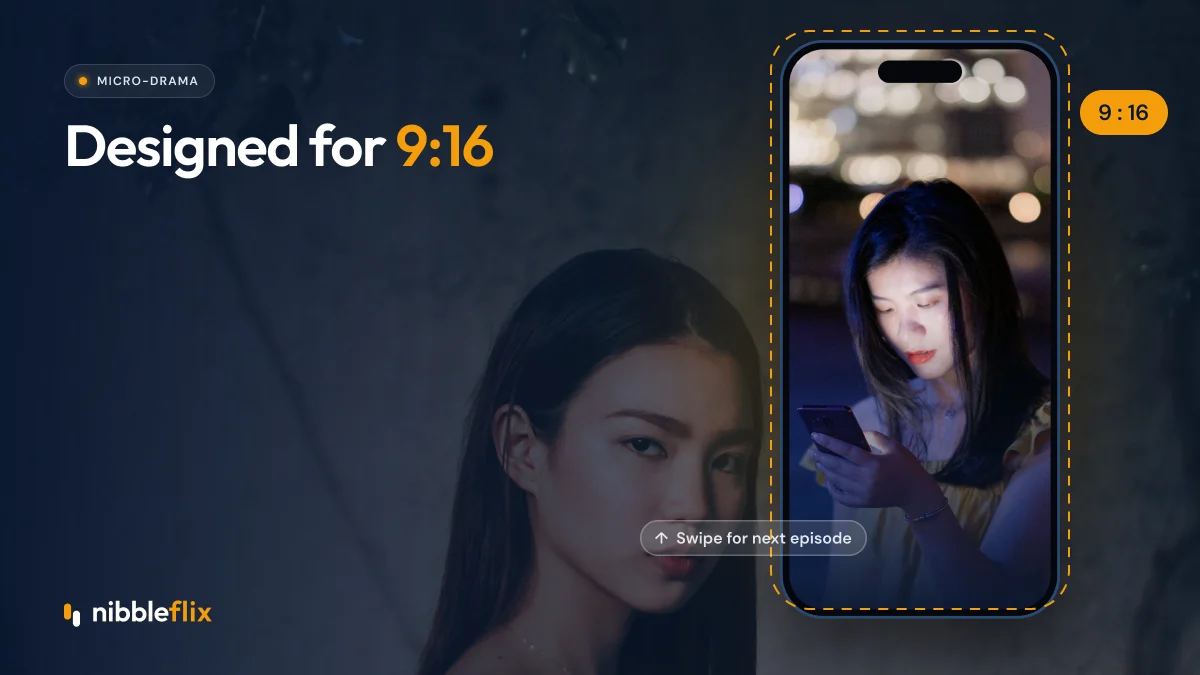
The video should fill the screen. Letterboxing wastes space and makes the story feel small. Overlay controls on the video rather than placing them in bars above or below it.
2. Thumb-zone controls
Most people hold their phone in one hand. Put frequent actions (like, episode list, share) along the lower right edge where the thumb rests, and keep the top area clean.
3. Minimal chrome
Show title, episode number and a thin progress bar. Hide everything else after a couple of seconds, and bring it back with a single tap.
4. Readable subtitles
Many viewers watch on mute in public. Place subtitles above the lower controls, use high contrast, and support multiple languages. On NibbleFlix, AI subtitles cover 12 languages, which helps the same series travel from Seoul to São Paulo.
5. Right-to-left and localization ready
If you plan to serve MENA, the interface must mirror correctly for Arabic, with menus, progress bars and episode lists flowing right to left. Leave room in buttons for longer words in German, Portuguese or Spanish, and test fonts for Thai, Korean and Japanese so labels never clip.
Swipe video player UX: getting navigation right
Swipe navigation is the heart of the vertical drama player. Done well, it makes binge-watching effortless.
- Swipe up for the next episode, swipe down for the previous one.
- Preload the next episode while the current one plays so the swipe feels instant.
- Autoplay the next episode when one ends, with a short countdown viewers can cancel.
- Episode grid one tap away, showing which episodes are free, unlocked or locked.
- Resume exactly where the viewer left off, across sessions and devices.
Keep the discovery feed and the series player separate. In the feed, a swipe moves to a different show. Inside a series, a swipe moves to the next episode. Mixing the two confuses viewers.
Designing the unlock moment
In a micro-drama app, the paywall is part of the viewing experience. It should feel like a natural pause in the story, not an interruption.
| Element | Good practice | Common mistake |
|---|---|---|
| Timing | Right after a cliffhanger | Mid-scene or at a random point |
| Options | Coins, VIP pass or watch an ad | One payment option only |
| Balance | Coin balance and cost shown clearly | Hidden prices or surprise charges |
| Background | Blurred last frame keeps tension | Generic blank screen |
| Exit | Easy to dismiss and browse | Trapping the viewer |
NibbleFlix lets viewers unlock with coins, a VIP pass or by watching an ad, all from the same screen. Read more about pricing in our guide to short drama app monetization.
Performance: the invisible part of design
A beautiful player that stutters is a bad player. Vertical video apps must perform on mid-range Android phones and patchy mobile networks, which are common across Southeast Asia, Latin America and parts of MENA.
- Use adaptive bitrate streaming so quality adjusts to the connection.
- Start playback at a lower quality and step up, rather than waiting to buffer.
- Keep the app light so it installs quickly on devices with limited storage.
- Cache artwork and the next episode’s first seconds.
Beyond the player: home, discovery and habit
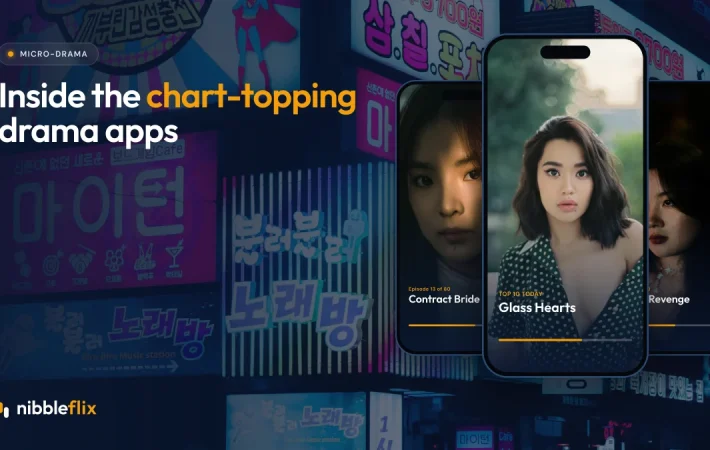
The player gets most of the attention, but the home screen drives what viewers watch next. Good vertical apps show a “continue watching” row first, then trending series, new releases and genre rows. Short trailers in the feed help viewers decide quickly; NibbleFlix AI trailer generation creates one in about two minutes.
Habit features complete the design: daily check-in rewards and new-episode push alerts give viewers a reason to open the app tomorrow. Explore all player and engagement features on our features page.
Build or launch on a ready vertical player?
Building a polished 9:16 player with preloading, swipe navigation, unlock flows and ad integration takes a dedicated mobile and video team. A white-label platform gives you that player ready to brand. NibbleFlix micro-drama apps include a vertical 9:16 player with swipe navigation on iOS, Android and web, under your own brand.
Key takeaways
- A vertical video streaming app needs full-screen 9:16 playback and thumb-friendly controls.
- Swipe navigation with preloading makes binge-watching feel instant.
- Place unlock prompts at cliffhangers and offer coins, passes and ad unlocks.
- Optimize for mid-range phones and variable networks.
- Home screen, trailers and daily rewards turn single sessions into habits.
Want to try a branded vertical player with your own series? Book a demo and see it on your phone.
Frequently asked questions
What is a vertical video streaming app?
It is a streaming app built for video shot in 9:16 portrait format, designed to be watched on a phone held upright. Micro-drama apps are the best-known example. They use full-screen playback, swipe navigation between episodes and mobile-first features such as coin unlocks, daily rewards and push alerts.
Why does a 9:16 video player matter for micro-dramas?
Micro-dramas are shot and framed for phones held vertically. A 9:16 player fills the whole screen, keeps faces and action large, and matches the swipe habits viewers learned on social video. Showing vertical episodes inside a horizontal player wastes most of the screen and weakens the experience.
How should swipe navigation work in a drama app?
Inside a series, swiping up should open the next episode and swiping down the previous one, with the next episode preloaded so it starts instantly. Keep a separate discovery feed where swiping moves between shows, and give viewers a one-tap episode grid to jump around the series.
Can a vertical drama player also run on TV?
Vertical series are made for phones, but some viewers like watching on bigger screens. NibbleFlix supports iOS, Android, web and PWA, plus smart TV apps for major platforms, so you can decide which formats and catalogs to offer on each screen from one dashboard.