
In this article
- Signs it is time to switch OTT provider
- What an OTT platform migration includes
- How to migrate subscribers without losing them
- Keep the same store listings
- Preserve logins
- Map entitlements carefully
- Keep watch history
- A step-by-step OTT platform migration plan
- Regional details that often get missed
- Risks to manage during the switch
- Migrating to NibbleFlix
- Key takeaways
- Frequently asked questions
- How long does an OTT platform migration take?
- Will subscribers need to sign up again after a migration?
- Can I keep my app store ratings when I switch OTT provider?
- What happens to my integrations during migration?
Your current streaming platform may be slow, expensive to maintain or missing the features you need. The fear that stops most teams from switching is downtime: lost subscribers, broken payments and angry reviews. A well-planned OTT platform migration avoids all three.
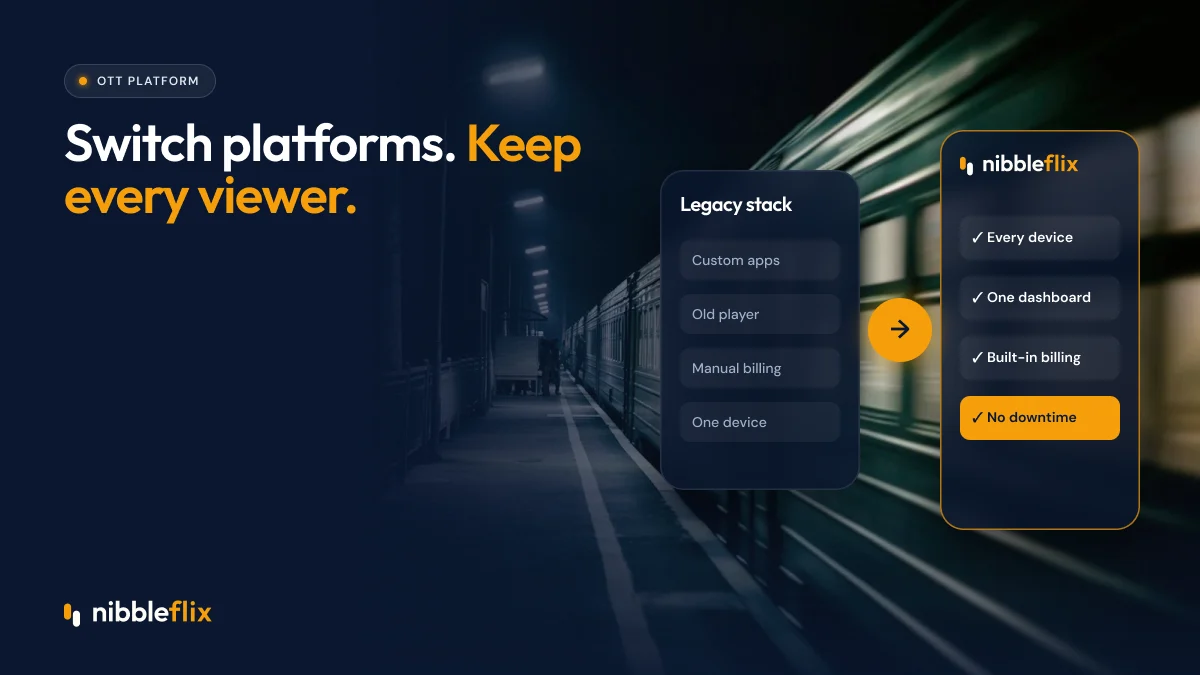
The direct answer: you can migrate a streaming service without downtime by running the old and new platforms in parallel, moving content and subscribers in stages, preserving logins and payment entitlements, and switching traffic only after full testing.
This guide covers when to switch, what to move, a step-by-step plan, and the risks to manage along the way.
Signs it is time to switch OTT provider
Most teams wait too long. Watch for these signals:
- Every new feature needs weeks of developer time or a paid change request.
- Your apps are missing key devices, such as Roku, Samsung or LG TVs.
- You cannot add new monetization models like ads, rentals or coins.
- Maintenance of an in-house build is eating your content budget.
- Playback complaints and app store ratings are getting worse.
- You do not have full access to your own viewer data.
If two or more apply, a legacy video platform replacement is likely worth the effort. Our guide on build vs buy for OTT platforms can help frame the decision.
What an OTT platform migration includes
A streaming platform migration moves much more than video files. Plan for each of these workstreams:
| Workstream | What moves | Main risk |
|---|---|---|
| Content | Video files, subtitles, artwork, metadata | Missing assets or broken metadata |
| Users | Accounts, profiles, watch history | Viewers forced to sign up again |
| Subscriptions | Active plans, renewal dates, entitlements | Double billing or lost access |
| Apps | Store listings, app updates, TV apps | Losing ratings or reviews |
| Integrations | Payments, analytics, ad servers, CRM | Data gaps during switch-over |
How to migrate subscribers without losing them
Subscribers are the most sensitive part of any move. Viewers should not notice anything except a better app.
Keep the same store listings
Publish the new app as an update to your existing App Store and Google Play listings, under your own developer accounts. Viewers receive a normal update and keep your ratings, reviews and search ranking.
Preserve logins
Migrate user accounts so existing credentials work on day one. Forcing viewers to reset passwords is one of the fastest ways to lose them.
Map entitlements carefully
Store subscriptions are tied to Apple and Google, not to your platform. The new app must recognize existing in-app subscriptions and renewal dates. For web subscriptions, migrate payment tokens with your payment provider so renewals continue without asking viewers to re-enter card details.
Keep watch history
Continue-watching rows and favorites make an app feel personal. Moving them is a small effort with a big effect on retention.
A step-by-step OTT platform migration plan
- Audit: list every content asset, integration, device app and monetization rule on your current platform.
- Plan: agree a timeline, owners and a rollback plan. Avoid launching during a big release or a peak sales period.
- Move content: transfer the library, subtitles and metadata, and check that every title plays correctly.
- Connect integrations: link payments, analytics and ad servers so reporting continues without gaps.
- Migrate users and entitlements: import accounts and active plans, then test with real sample accounts.
- Run in parallel: keep the old platform live while the new one is tested end to end on every device.
- Switch over: release app updates and redirect web traffic, monitoring logins, playback and payments closely.
- Retire the old system: only after a stable period with no open issues.
Regional details that often get missed
If you serve several regions, check local payment methods before you move. Viewers in Latin America, MENA and Southeast Asia often pay through wallets, carrier billing or vouchers rather than cards. Make sure each method is supported on the new platform, and test Arabic right-to-left layouts or other local language settings on every device.
Risks to manage during the switch
- Content rights: check that your licences allow the new platform and territories.
- Data protection: move personal data securely and in line with GDPR if you serve viewers in the EU.
- App review delays: submit store updates early, since review times vary.
- Communication: tell viewers about improvements, not about technical changes. A short in-app message is usually enough.
Migrating to NibbleFlix
NibbleFlix offers migration from in-house or legacy platforms, keeping your integrations and avoiding viewer downtime. Once you move, your team manages everything from one no-code dashboard: upload episodes, set prices, schedule releases and see earnings.
Your new apps cover iOS, Android, web, PWA and smart TVs for Apple TV, Android TV, Amazon Fire TV, Roku, Samsung and LG, with every monetization model available. Explore the full feature set to see what you gain. Founding partners also get a dedicated launch manager to guide the switch.
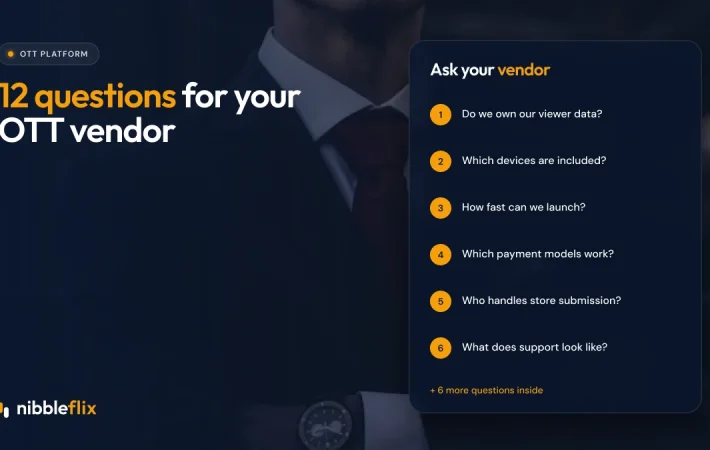
If you are still comparing vendors, use our 12 questions for choosing an OTT platform provider before you commit.
Key takeaways
- An OTT platform migration covers content, users, subscriptions, apps and integrations.
- Keep your store listings and logins so viewers simply see an app update.
- Map in-app and web subscriptions carefully to avoid lost access or double billing.
- Run old and new platforms in parallel and switch only after full testing.
- Choose a partner that handles migration with no viewer downtime.
Thinking about switching? Book a demo and we will outline a migration plan for your service.
Frequently asked questions
How long does an OTT platform migration take?
It depends on library size, number of integrations and devices. Smaller services can move in a few weeks, while larger catalogs with many integrations take longer. Running both platforms in parallel adds time but removes most of the risk. Plan around your release calendar and avoid peak sales periods.
Will subscribers need to sign up again after a migration?
They should not. A good migration moves user accounts and preserves logins, so existing credentials work on day one. App store subscriptions stay linked to Apple and Google, and web payment tokens can usually be transferred through your payment provider, so renewals continue without action from viewers.
Can I keep my app store ratings when I switch OTT provider?
Yes, if the new app is published as an update to your existing listings under your own developer accounts. Viewers get a normal update and you keep your ratings, reviews and search position. This is one reason to insist that your store listings are always in your name.
What happens to my integrations during migration?
Payments, analytics, ad servers and CRM tools should be connected to the new platform before switch-over, so data flows without gaps. NibbleFlix migrations are designed to keep your existing integrations, which avoids rebuilding reports or changing partners at the same time as you change platforms.