
In this article
- Apps and devices (features 1 to 5)
- Video delivery and security (features 6 to 10)
- Monetization (features 11 to 15)
- CMS and operations (features 16 to 20)
- Engagement, AI and analytics (features 21 to 25)
- OTT platform features scorecard
- Turning the checklist into an OTT RFP
- How NibbleFlix covers the checklist
- Key takeaways
- Frequently asked questions
- What are the most important OTT platform features?
- Do I need smart TV apps at launch?
- What should an OTT RFP include?
- Can I add features after launching?
Choosing a streaming platform without a checklist is how services end up missing basic tools months after launch. The right OTT platform features decide how fast you can launch, how you earn money and how long viewers stay.
The direct answer: before you launch, your platform should cover five areas, namely apps on every key device, secure video delivery, flexible monetization, a no-code CMS, and engagement and analytics tools.
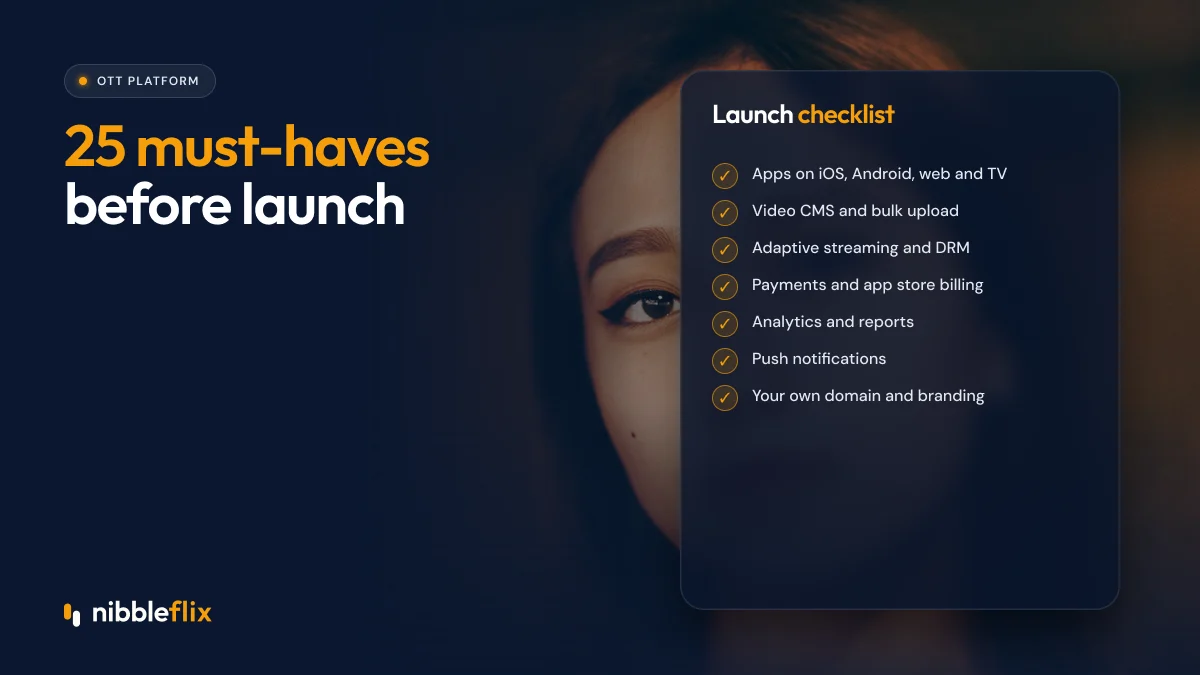
Below are 25 must-haves grouped by area. Use them as a scorecard when comparing vendors or as the core of an OTT RFP.
Apps and devices (features 1 to 5)
Viewers expect to find you wherever they watch. Missing a device means missing an audience, especially on connected TVs.
- Native iOS and Android apps published under your own developer accounts.
- Responsive web player for desktop and mobile browsers.
- Progressive Web App (PWA) for fast access without a store download.
- Smart TV apps for Apple TV, Android TV, Amazon Fire TV, Roku, Samsung and LG.
- Vertical 9:16 player with swipe navigation if you plan micro-dramas or short-form series.
See the full list of supported devices.
Video delivery and security (features 6 to 10)
- Adaptive bitrate streaming so playback adjusts to each viewer’s connection.
- Automatic transcoding from a single upload into all required formats.
- Global CDN delivery with good coverage in your target regions.
- Multi-DRM support with Widevine, FairPlay and PlayReady for premium content.
- Geo-restriction to respect licensing territories.
Studios and distributors will often ask about DRM and geo-blocking before they license content to you, so treat these as non-negotiable if you plan to carry third-party titles.
Playback quality also shapes reviews. Ask vendors how they handle slow mobile networks, which are common in parts of Latin America, MENA and Southeast Asia, and test the player yourself on a mid-range Android phone before you sign.
Monetization (features 11 to 15)
Your platform should support the model you launch with and the ones you may add later. Switching platforms because monetization is too narrow is expensive.
- Subscriptions (SVOD) with monthly and annual plans and free trials.
- Advertising (AVOD) with pre-roll and mid-roll support.
- Rentals and purchases (TVOD) for premieres and events.
- Pay-per-episode, coins and in-app purchases for micro-drama style unlocks.
- Hybrid and promotional offers so you can combine models and run discounts.
For a comparison of these models, read SVOD vs AVOD vs TVOD vs hybrid, and see the monetization options NibbleFlix supports.
CMS and operations (features 16 to 20)
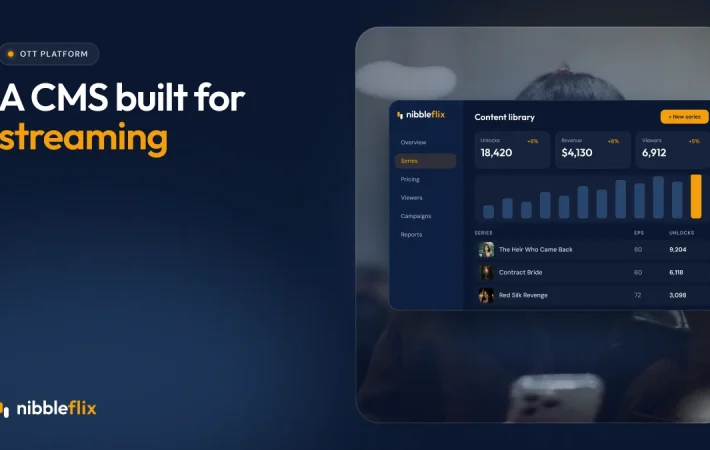
A good content management system lets your team run the service without developers. If every price change needs a ticket, you will move too slowly.
- No-code admin dashboard to upload episodes, set prices and see earnings.
- Release scheduling so new episodes go live automatically.
- Metadata and artwork management with AI metadata generation to save time.
- Multi-app management from one dashboard if you run more than one brand.
- Role-based access so editors, marketers and finance see what they need.
Learn more about the NibbleFlix CMS.
Engagement, AI and analytics (features 21 to 25)
- Push notifications for new episodes and offers.
- Retention rewards such as daily check-in bonuses.
- AI subtitles and dubbing to reach new language markets quickly.
- AI trailer generation for marketing creative on every release.
- Analytics and first-party data access on viewing, conversion and revenue.
If you plan linear channels, add EPG and server-side ad insertion (SSAI) to this list. These are the core FAST tools.
OTT platform features scorecard
Use this table to score streaming app features across vendors quickly. Mark each area as covered, partial or missing.
| Area | Must-haves | Questions to ask |
|---|---|---|
| Apps and devices | 1 to 5 | Are TV apps included and published under my name? |
| Delivery and security | 6 to 10 | Which DRMs and CDN regions are supported? |
| Monetization | 11 to 15 | Can I combine models in one app? |
| CMS and operations | 16 to 20 | Can my team change prices without code? |
| Engagement and data | 21 to 25 | Do I own and export my viewer data? |
Turning the checklist into an OTT RFP
If you are running a formal OTT RFP, convert each item into a requirement with a priority level. A simple structure:
- Must have: features you cannot launch without.
- Should have: features needed within six months.
- Nice to have: features that would help but are not deal-breakers.
Add OTT software requirements beyond features: data ownership, store listing ownership, support levels, launch timeline and migration help. These often matter more than any single feature. Our guide on how to choose an OTT platform provider lists the questions to include.
How NibbleFlix covers the checklist
NibbleFlix includes apps for iOS, Android, web, PWA and the major smart TV platforms, a vertical player for micro-dramas, all major monetization models, a no-code CMS, retention tools and AI tools for subtitles, dubbing, metadata and trailers. It is fully white-label, so your brand, store listings, viewer data and revenue stay yours.
You can launch your own streaming app in about seven days with launch support included. The complete feature overview maps to this checklist item by item.
Key takeaways
- Score OTT platform features across five areas: devices, delivery, monetization, CMS and engagement.
- Smart TV apps, multi-DRM and flexible monetization are where platforms differ most.
- A no-code CMS keeps your team fast after launch.
- Data and store listing ownership matter as much as features.
- Turn this checklist into prioritized requirements for your RFP.
Want to check a platform against all 25 items? Book a demo and we will go through the list with you.
Frequently asked questions
What are the most important OTT platform features?
The essentials are apps on every major device, adaptive streaming with DRM, flexible monetization, a no-code CMS and analytics. Which matter most depends on your model. A micro-drama app needs a vertical player and coin unlocks, while a long-form service needs smart TV apps and subscription management.
Do I need smart TV apps at launch?
For long-form content, usually yes, because many viewers watch films and series on the big screen. For micro-dramas, mobile comes first and TV apps can wait. If your platform includes TV apps at no extra development cost, launching on them early gives you more reach for little effort.
What should an OTT RFP include?
An OTT RFP should list required features by priority, supported devices, monetization models, DRM and security needs, data ownership terms, support levels, launch timeline and migration needs. Ask vendors to answer each item directly and to show a live demo rather than relying on slides or brochures.
Can I add features after launching?
Yes, but check how. On a platform where monetization, AI tools and devices are already built in, you can switch them on from the dashboard. With a custom build, every new feature becomes a development project, which slows you down and increases cost over time.