
In this article
- What “build” really means
- OTT platform in-house: the real pros and cons
- Advantages of building
- Disadvantages of building
- SaaS OTT platform: the buy option
- Advantages of buying
- Disadvantages of buying
- Build vs buy OTT platform: side-by-side
- OTT total cost of ownership
- A simple build vs buy OTT platform decision framework
- What buying looks like with NibbleFlix
- Key takeaways
- Frequently asked questions
- Is it cheaper to build or buy an OTT platform?
- When does building your own OTT platform make sense?
- Will I own my viewers and data on a bought platform?
- Can I move from a custom build to a white-label platform later?
Every streaming founder eventually faces the build vs buy OTT platform question. Do you hire engineers and create your own video stack, or license a ready-made platform and focus on content and growth?
The direct answer: buy (or license a white-label SaaS OTT platform) unless streaming technology itself is your competitive advantage and you can fund a permanent engineering team; build only when you need something no platform offers.
This article walks through what each path really involves, the hidden costs on both sides, and a simple framework to decide.
What “build” really means
Custom OTT development is far more than one app. A complete streaming service includes many connected systems, and each one needs to be designed, built, tested and maintained.
- Video ingest, transcoding and adaptive bitrate packaging
- Storage, CDN delivery and DRM (Widevine, FairPlay and PlayReady)
- A content management system for metadata, artwork and release schedules
- User accounts, entitlements and payment integrations
- Apps for iOS, Android, web and several smart TV platforms
- Ad insertion, analytics, push notifications and customer support tools
Each smart TV platform, such as Apple TV, Android TV, Amazon Fire TV, Roku, Samsung and LG, uses its own tools and review process. Supporting all of them in-house usually means separate specialists.
OTT platform in-house: the real pros and cons
Advantages of building
- Full control over every feature and the roadmap.
- Possible differentiation if your product experience is truly unique.
- No platform licence fee.
Disadvantages of building
- Long time to market, often many months before the first public release.
- A permanent team is needed for maintenance, OS updates and store policy changes.
- Security, DRM and payment compliance become your responsibility.
- Engineering budget competes with content and marketing budget.
The most common surprise is maintenance. Launch is not the finish line. Apple, Google and TV makers update their systems every year, and each update can break playback, payments or store approval.
SaaS OTT platform: the buy option
Buying usually means licensing a SaaS or white-label platform. The vendor runs the infrastructure and apps, and you control the brand, content, pricing and audience.
Advantages of buying
- Launch in days or weeks instead of months.
- Apps for mobile, web and smart TVs are already built and maintained.
- Monetization, CMS, analytics and DRM come included.
- Your team focuses on content, marketing and partnerships.
Disadvantages of buying
- Less control over deep product changes.
- Recurring platform fees.
- Dependency on the vendor’s roadmap and reliability.
Many of these risks shrink with the right contract. Check who owns the store listings, the viewer data and the revenue. With a fully white-label platform, those should all belong to you. Read what a white-label OTT platform is for the details.
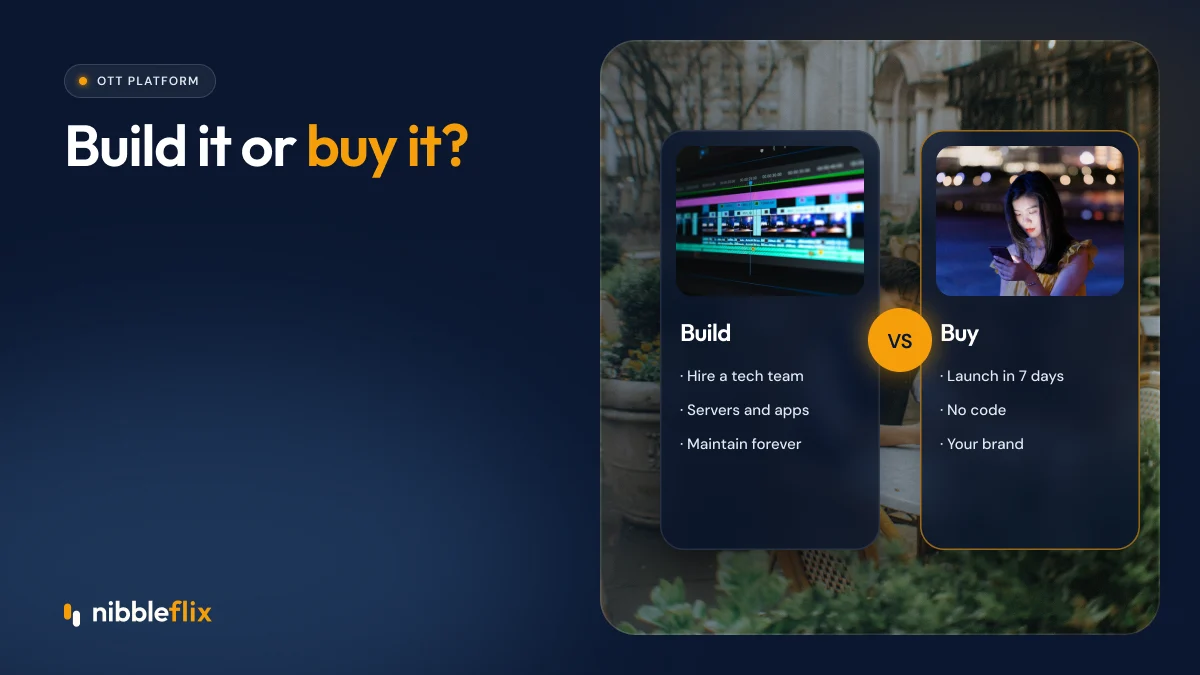
Build vs buy OTT platform: side-by-side
| Factor | Build in-house | Buy (white-label SaaS) |
|---|---|---|
| Time to launch | Many months | Days to weeks |
| Upfront cost | High (team, infrastructure) | Low to moderate |
| Ongoing cost | Salaries, cloud, maintenance | Subscription or revenue-based fees |
| Device coverage | Each platform built separately | Mobile, web and smart TV included |
| Control | Full | Branding, content, pricing, data |
| Risk | Delays, staff turnover, security gaps | Vendor dependency |
OTT total cost of ownership
Comparing a licence fee with a one-off development quote is misleading. A fair comparison looks at total cost of ownership over three to five years. For a custom build, include:
- Initial development across every app and backend system.
- Salaries for engineers, QA, DevOps and product management.
- Cloud hosting, transcoding, storage and CDN bandwidth.
- DRM, analytics and payment service fees.
- Annual updates for new OS versions and TV platforms.
- Security reviews and compliance work, such as GDPR in the EU.
- The opportunity cost of launching later.
For a bought platform, include the licence or revenue share, CDN and storage if billed separately, and any custom integrations. Our line-by-line OTT platform cost breakdown shows how to budget each item.
A simple build vs buy OTT platform decision framework
Answer these four questions honestly:
- Is technology your product? If your edge is content, community or brand, buy. If your edge is a new viewing experience nobody else offers, building may be justified.
- How fast do you need revenue? If you need to prove the business this year, buy.
- Can you fund a permanent team? If not, a custom build will decay after launch.
- How many devices must you cover? The more TV platforms you need, the stronger the case for buying.
A third route is common: buy first, prove demand, then build only the parts that make you different. Many services never need step two.
What buying looks like with NibbleFlix
NibbleFlix lets you launch a branded streaming app in about seven days, from sign-up to App Store and Google Play submission, with no code and no in-house tech team. Apps cover iOS, Android, responsive web, PWA and smart TVs for Apple TV, Android TV, Amazon Fire TV, Roku, Samsung and LG. See the full feature list.
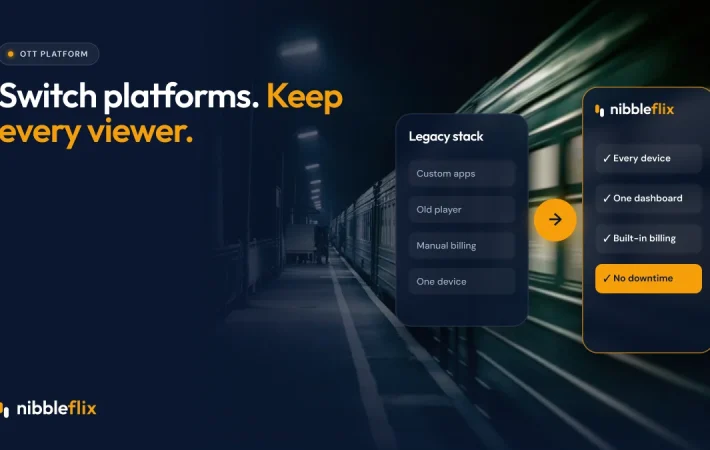
If you already built something in-house and want to stop maintaining it, our migration service moves you from in-house or legacy platforms while keeping integrations and avoiding viewer downtime. Founding partners also get launch pricing locked for the first year and a dedicated launch manager, outlined on the pricing page.
Key takeaways
- Building means owning a full video stack and a permanent team, not just one app.
- Buying a white-label platform gets you to market far faster with apps on every major device.
- Compare total cost of ownership over several years, not a single quote.
- Build only what makes you unique, and buy the rest.
Weighing your options? Book a demo and we will compare a custom build with a NibbleFlix launch for your plans.
Frequently asked questions
Is it cheaper to build or buy an OTT platform?
For most businesses, buying is cheaper once you count the full cost of ownership. A custom build needs developers, cloud infrastructure, DRM, apps for each device and ongoing maintenance. A white-label platform spreads those costs across many customers, so you pay a predictable fee and keep your budget for content and marketing.
When does building your own OTT platform make sense?
Building makes sense when your product experience is your main competitive edge, when no platform supports a feature you truly need, and when you can fund a permanent engineering team. Large media groups with unusual workflows sometimes fit this profile. Most content owners and startups do not.
Will I own my viewers and data on a bought platform?
It depends on the vendor, so check the contract. With a fully white-label platform such as NibbleFlix, the store listings are under your name, and the viewer data and revenue belong to you. Avoid platforms that publish apps under their own account or restrict access to subscriber data.
Can I move from a custom build to a white-label platform later?
Yes. Many services start in-house and switch when maintenance becomes too costly. A good migration keeps your existing integrations, moves your content and subscribers, and avoids viewer downtime. Plan the switch around your release calendar so viewers do not notice any change except a better app.