
In this article
- Why streaming apps get extra attention in review
- App Store review guidelines for video apps
- Content and intellectual property
- In-app purchases and subscriptions
- Account rules
- Minimum functionality
- Google Play policy for streaming apps
- The most common app rejection reasons
- Your store listing matters for review
- Pre-submission checklist for App Store approval for a streaming app
- How NibbleFlix handles store submission
- Key takeaways
- Frequently asked questions
- How long does App Store review take for a streaming app?
- Do I have to use Apple and Google billing for subscriptions?
- Why do reviewers ask for proof of content rights?
- What happens if my streaming app is rejected?
The last step before launch is often the most nerve-wracking. You have built the service, uploaded content and set prices, and now Apple and Google have to say yes. Getting App Store approval for a streaming app is very achievable, but video services trigger a few checks that other apps do not.
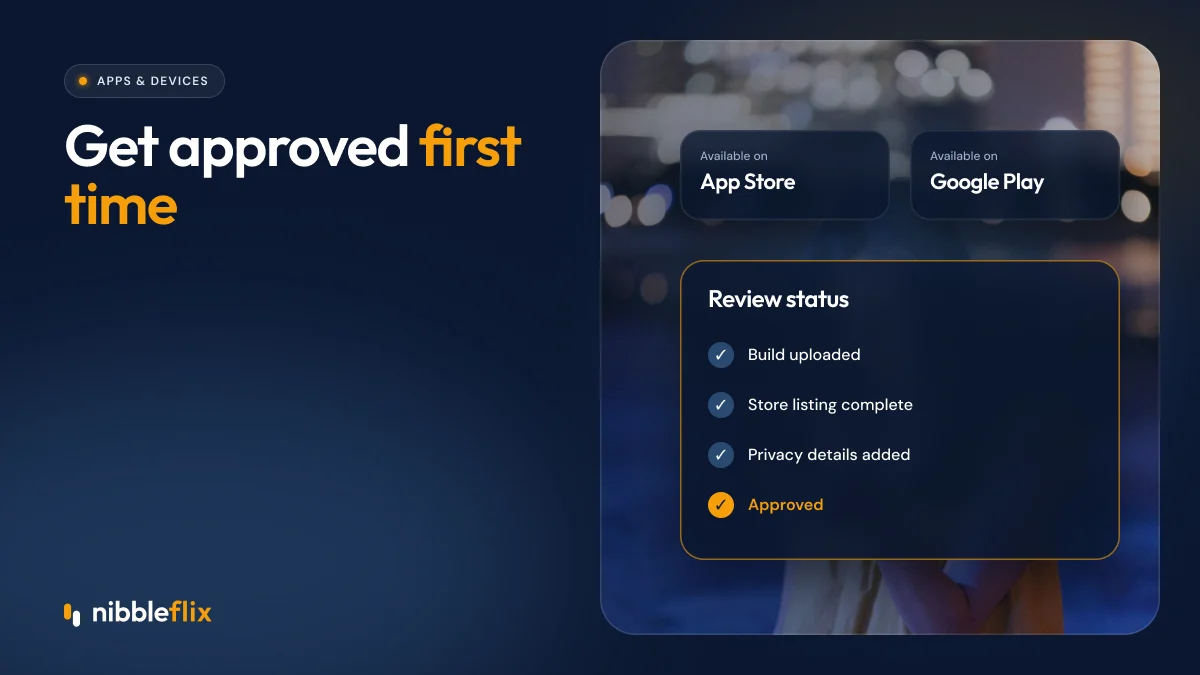
The short answer: streaming apps pass review when they prove they own or license their content, follow store billing rules for digital purchases, give reviewers a working demo account, and complete the privacy and content rating forms accurately.
This guide covers the App Store review guidelines for video apps, Google Play policy for streaming, the most common app rejection reasons, and a checklist to use before you submit.
Why streaming apps get extra attention in review
Store reviewers look at every app for crashes, broken links and misleading listings. Streaming apps add three more areas of risk: content rights, payments and age-appropriate content. A reviewer who sees well-known films or series will want to know you are allowed to distribute them.
Billing is the other big one. Apple and Google want digital content sold inside the app to use their payment systems, and they check purchase flows closely. Our guide to in-app purchases for streaming apps explains the models in more detail.
App Store review guidelines for video apps
Apple’s App Store Review Guidelines apply to every app, but a few sections matter most for streaming services.
Content and intellectual property
Apple can ask for documentation showing you have rights to the content in your app. Keep licence agreements ready and add a short note for reviewers explaining where your catalog comes from.
In-app purchases and subscriptions
Subscriptions, coins and episode unlocks sold inside an iOS app generally need to use Apple’s in-app purchase system. Your subscription screen must show the price, the billing period and how to cancel, with working links to your terms and privacy policy.
Account rules
If viewers can create an account in your app, Apple expects them to be able to delete it from within the app as well. Sign in with Apple may also be required if you offer other social login options.
Minimum functionality
An app that is only a thin wrapper around a website is likely to be rejected. Native playback, browsing and account features help show real app value.
Google Play policy for streaming apps
Google Play review is often faster, but its policies are just as detailed. For streaming apps, focus on:
- Payments policy: digital content bought in the app generally uses Google Play billing, with some regional exceptions.
- Content rating questionnaire: answer honestly about violence, language and mature themes so your age rating is correct in every country.
- Data safety section: declare what viewer data you collect, why, and whether it is shared.
- Intellectual property: Google removes apps that infringe copyright, so keep rights evidence on file.
- Target API level: apps must target a recent Android version to be accepted and updated.
The most common app rejection reasons
| Rejection reason | What triggers it | How to avoid it |
|---|---|---|
| No working demo account | Reviewer cannot reach paid content | Provide a test login with full access in review notes |
| Purchase flow breaks store rules | Links or buttons that sell digital content outside store billing | Use store billing for in-app sales and follow current regional rules |
| Missing rights evidence | Recognisable titles with no explanation | Attach a rights summary and be ready to share licences |
| Incomplete subscription details | Price, period or cancel terms missing | Show full terms on the paywall with links to policies |
| Crashes or playback errors | Untested devices or expired test streams | Test on older devices and keep demo content live |
| Misleading store listing | Screenshots that do not match the app | Use real in-app screenshots and accurate descriptions |
Your store listing matters for review
The store listing is part of the review. Your app name, subtitle, description, screenshots and preview video must match what the app actually does. Avoid claims you cannot back up, and do not mention other platforms or competitors.
A strong store listing also improves conversion once you are live. Our guide to app store optimization for streaming apps covers screenshots, keywords and ratings.
Publish under your own developer accounts. The listing, ratings and viewer relationship should belong to your business, not to a vendor.
Pre-submission checklist for App Store approval for a streaming app
- Test on a range of devices, including older phones and tablets.
- Create a demo account with access to paid content, and write clear review notes.
- Check that every paywall shows price, period, renewal and cancellation terms.
- Link to a live privacy policy and terms of use from the app and listing.
- Complete Apple’s privacy details and Google’s data safety and content rating forms.
- Add in-app account deletion if viewers can create accounts.
- Prepare a content rights summary for reviewers.
- Make sure screenshots and descriptions match the current build.
How NibbleFlix handles store submission
NibbleFlix is a white-label streaming platform built to take you from sign-up to App Store and Google Play submission in 7 days. Day 1 is branding, days 2 to 3 are content uploads, day 4 is monetization, days 5 to 6 are testing, and day 7 is launch.
The apps are published under your name, with your viewer data and your revenue. Subscriptions, coins, pay-per-episode and other monetization options are set up in the admin dashboard, and launch support is included, so you have help when review feedback comes back. You manage content and pricing in the CMS without code.
Moving from an existing app? Our migration service keeps your integrations and avoids viewer downtime.
Key takeaways
- App Store approval for a streaming app involves extra checks on content rights, billing and age ratings.
- A working demo account and clear review notes prevent many rejections.
- Paywalls must show full subscription terms and follow store billing rules.
- Privacy, data safety and content rating forms must match what the app really does.
- Most rejections are fixed in days, so leave a buffer before launch marketing.
Want a launch partner who has been through store review before? Book a demo and see how a 7-day launch works.
Frequently asked questions
How long does App Store review take for a streaming app?
Many reviews finish within a day or two, but streaming apps can take longer if the reviewer asks for proof of content rights or a working demo account. Plan for at least a week between your first submission and your launch date, so you have time to answer questions and resubmit if needed.
Do I have to use Apple and Google billing for subscriptions?
If you sell digital content or subscriptions inside the app, the store’s billing rules generally apply, with a commission of up to 30%. The rules have exceptions and have changed in some regions, so check the current guidelines for each store and each country before you design your purchase flow.
Why do reviewers ask for proof of content rights?
Apple and Google do not want apps that stream content the publisher has no right to distribute. If your catalog includes well-known titles, studio content or licensed music, a reviewer may ask for evidence. Keep licence agreements and a short rights summary ready to share through the review notes.
What happens if my streaming app is rejected?
You receive a message explaining which guideline the app breaks. Fix the issue, reply in the review thread if something was misunderstood, and resubmit. Most rejections are fixed in a few days. If you disagree with a decision, both stores offer an appeal process you can use.