
In this article
- Why app store billing matters for streaming
- In app purchase streaming app rules on iOS
- Reader apps and account access
- External payment links
- Google Play billing for streaming apps
- App store fees streaming services should plan for
- How to price around store fees
- Getting approved: common billing mistakes
- How NibbleFlix handles in-app purchases
- Key takeaways
- Frequently asked questions
- Do streaming apps have to use Apple in-app purchases?
- How much do Apple and Google charge on streaming purchases?
- Can I link to my website for payments from my app?
- Do ads in a streaming app pay store commission?
Subscriptions, coins, rentals and VIP passes all earn money, but on phones and tablets they also pass through Apple and Google. Their billing rules shape your prices, your margins and even what you are allowed to say inside the app.
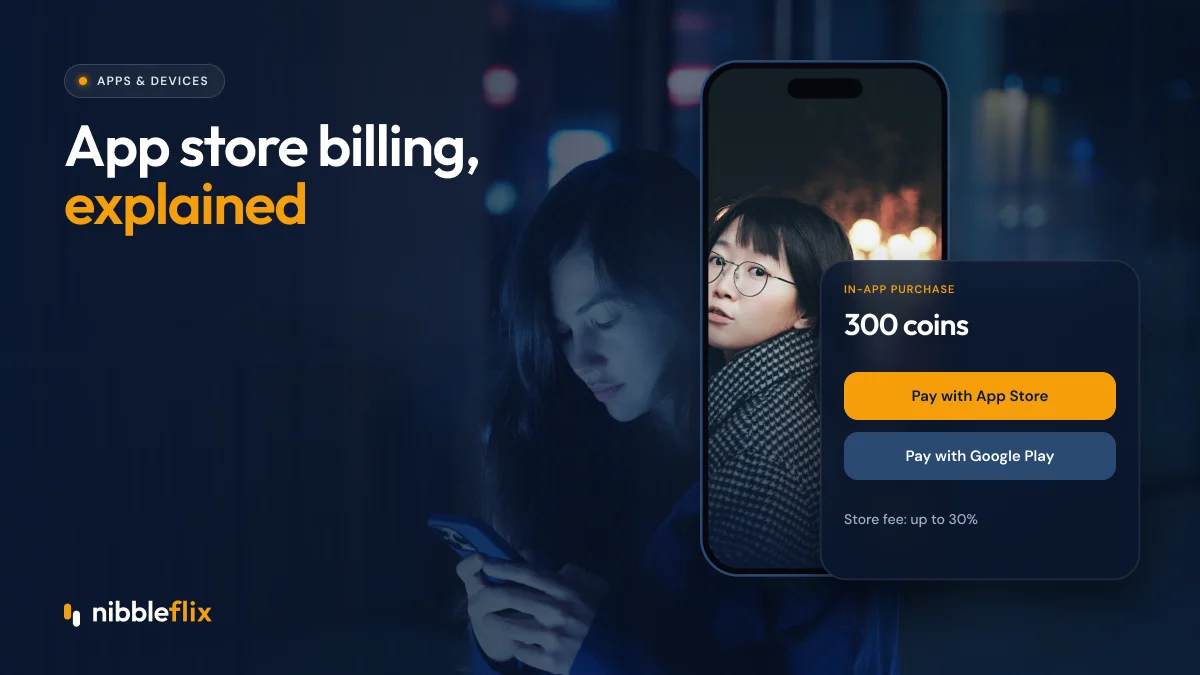
The short answer: if you run an in app purchase streaming app, digital content and subscriptions sold inside an iOS or Android app generally must use Apple’s or Google’s billing systems, which charge a commission of up to 30%, with exceptions and alternatives that depend on your app type and the country.
This guide explains the basics of Apple IAP rules for video apps, Google Play billing for streaming, app store fees, external payment links and how to plan pricing around them. Rules change often, so always check the current store guidelines before launch.
Why app store billing matters for streaming
For many viewers, the app store is the easiest way to pay. Their card or carrier billing is already saved, and a purchase takes one tap. That convenience lifts conversion, especially for small payments like coin packs and weekly passes.
The scale is significant. Apptopia reported that top US microdrama apps passed $17 million in in-app purchase revenue in June 2026. When that much revenue runs through the stores, their fees and rules have a direct effect on your business.
In app purchase streaming app rules on iOS
Apple’s App Store Review Guidelines generally require that digital content, features and subscriptions unlocked inside the app use Apple’s in-app purchase system. For a streaming service, that typically covers:
- Subscriptions and VIP passes
- Coin packs used to unlock episodes
- Rentals and purchases of individual titles
- Upgrades such as ad-free tiers
Reader apps and account access
Apple treats some video apps as “reader” apps, which let users access content they bought elsewhere, for example on your website. Reader apps may be allowed to offer a link to an external account management page under specific conditions. Whether your app qualifies depends on its features and Apple’s current rules.
External payment links
Rules on linking out to web payments have changed in recent years, especially in the EU under the Digital Markets Act and in the US following court decisions. Options and fees differ by region, so treat external payment links as a country-by-country decision and review Apple’s latest guidance before you rely on them.
Google Play billing for streaming apps
Google Play also requires its billing system for digital goods and subscriptions in most cases. In some countries, Google allows alternative or user choice billing, where viewers can pick another payment method alongside Google Play billing, usually at a reduced service fee. Availability depends on the region and the program you enroll in.
Google Play billing handles subscription renewals, grace periods and account holds when payments fail, which helps reduce involuntary churn.
App store fees streaming services should plan for
Both stores charge a commission of up to 30% on in-app purchases, and both offer lower rates in certain cases, such as small business programs or long-running subscriptions. The exact rate depends on your revenue, product type and enrollment.
| Topic | Apple App Store | Google Play |
|---|---|---|
| Digital content in app | Generally must use Apple IAP | Generally must use Google Play billing |
| Commission | Up to 30%, reduced rates in some programs | Up to 30%, reduced rates in some programs |
| Alternative payments | Limited, varies by region and app type | User choice or alternative billing in some countries |
| Local price tiers | Yes, set per storefront | Yes, set per country |
| Renewal handling | Built in, with billing retry | Built in, with grace periods and account hold |
How to price around store fees
Fees should shape your pricing, not surprise you after launch. A few practical steps:
- Build the commission into your margins. Model revenue after store fees, not before.
- Use local price tiers. Both stores let you set prices per country in local currency, which helps in LATAM, MENA and Southeast Asia.
- Offer web sign-up where allowed. Viewers who subscribe on your website, then sign in on the app, may avoid store fees, subject to each store’s rules.
- Mix in ads. Ad revenue is not subject to store commission and helps balance lower-priced plans.
- Design coin packs carefully. Bonus coins on larger packs raise average order value and offset per-transaction costs.
For more on regional pricing, see streaming subscription pricing in emerging markets.
Getting approved: common billing mistakes
Billing issues are a frequent cause of app review rejections. Avoid these:
- Mentioning cheaper web prices inside the app where that is not allowed.
- Selling digital unlocks through a non-store payment form without permission.
- Unclear subscription terms, missing restore purchases buttons or hidden renewal details.
- Store listings that do not match what the app actually offers.
Our guide to streaming app store approval covers the full review process.
How NibbleFlix handles in-app purchases
NibbleFlix apps support subscriptions, coins, rentals, pay-per-episode, VIP passes, in-app purchases and promotional offers, and you can combine several models in one app. Your apps are published under your own brand and store listings, and the revenue is yours. Every in app purchase streaming app we launch goes through App Store and Google Play submission with launch support included. Set prices and see earnings from one dashboard, and explore every option on the monetization page.
Key takeaways
- Digital content sold inside iOS and Android apps generally must use store billing.
- Commissions run up to 30%, with reduced rates in some programs.
- External payment links and alternative billing depend on region and app type, and the rules keep changing.
- Price in local tiers, model margins after fees and mix in ad revenue.
- Clear subscription terms help avoid review rejections.
Want a streaming app that handles store billing, coins and subscriptions for you? Book a demo.
Frequently asked questions
Do streaming apps have to use Apple in-app purchases?
Generally yes, if they sell digital content or subscriptions inside the iOS app. Some video apps qualify as reader apps and can let users access content bought elsewhere, and rules on external links differ by region. Always check Apple’s current App Store Review Guidelines before launch.
How much do Apple and Google charge on streaming purchases?
Both stores charge a commission of up to 30% on in-app purchases, with reduced rates available in certain programs, such as for small businesses or some subscriptions. The rate you pay depends on your revenue, product type and enrollment, so model your margins with the store fee included.
Can I link to my website for payments from my app?
It depends on the store, the country and your app type. Rules have loosened in some regions, such as the EU, and in the US after court decisions, but conditions and fees apply. Review each store’s current guidance for every market before adding external payment links.
Do ads in a streaming app pay store commission?
No. Advertising revenue is not an in-app purchase, so app stores do not take a commission on it. That makes ad-supported tiers and rewarded ads a useful way to balance lower subscription prices, especially in markets where viewers prefer free content with ads.