
In this article
- Why TV apps matter for streaming services
- Smart TV app development by platform
- Tizen app (Samsung)
- webOS app (LG)
- Roku
- Fire TV, Android TV and Apple TV
- What a TV app for a streaming service needs
- Building TV apps in-house: time and cost
- Testing on real devices
- A faster route to every TV platform
- Key takeaways
- Frequently asked questions
- Which smart TV platform should a streaming service launch on first?
- Can one codebase work on Samsung and LG TVs?
- Do smart TV apps need DRM?
- How long does it take to get a TV app approved?
Phones bring viewers in, but the living room keeps them. Long-form series, films, sport and FAST channels are watched on the biggest screen in the house, and a streaming service without TV apps leaves that time to competitors.
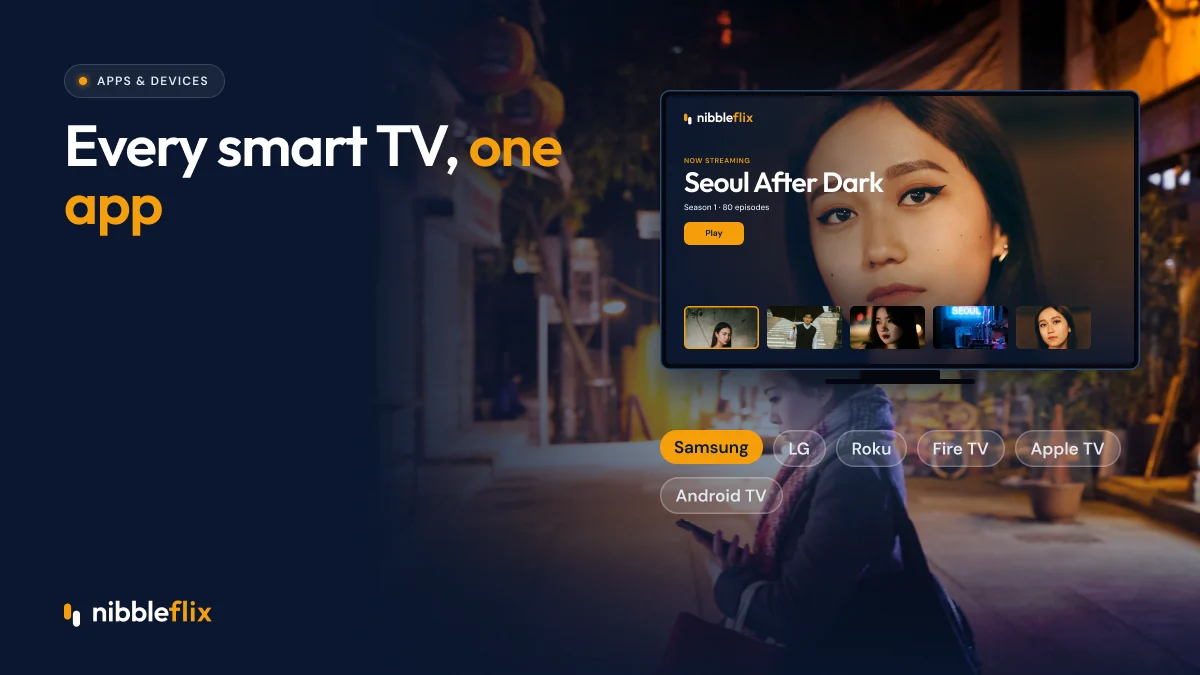
The short answer: smart TV app development means building and publishing separate apps for each TV platform, mainly Samsung (Tizen), LG (webOS), Roku, Amazon Fire TV, Android TV and Apple TV, each with its own technology, store rules and remote-control design.
This guide explains how each platform differs, what a TV app for a streaming service needs, what it typically costs to build in-house, and how to launch on all of them faster.
Why TV apps matter for streaming services
Connected TV is where viewers settle in for longer sessions. It is also where advertisers pay well for full-screen, sound-on ads, which makes TV apps central to ad-supported and FAST businesses. For subscription services, TV viewing often makes a household feel the subscription is worth keeping.
The challenge is fragmentation. TV owners in Europe, Latin America, the Middle East and Asia Pacific use a mix of brands, and no single app covers them all. You need to be on the platforms your audience actually owns.
Smart TV app development by platform
Each major platform has its own operating system, development tools and store review process.
| Platform | Operating system | Main technology | Store |
|---|---|---|---|
| Samsung | Tizen | Web technologies (HTML, JavaScript) | Samsung Apps TV / Seller Office |
| LG | webOS | Web technologies (HTML, JavaScript) | LG Content Store |
| Roku | Roku OS | BrightScript and SceneGraph | Roku Channel Store |
| Amazon Fire TV | Fire OS (Android-based) | Android tooling | Amazon Appstore |
| Android TV / Google TV | Android | Android tooling | Google Play |
| Apple TV | tvOS | Swift and Apple frameworks | App Store |
Tizen app (Samsung)
A Tizen app is built with web technologies and packaged for Samsung TVs. Samsung has a large installed base in many regions, so it is often a priority. Testing across model years matters, because older TVs have less memory and slower processors.
webOS app (LG)
A webOS app is also web-based, so some code can be shared with Tizen. LG’s pointer-style Magic Remote adds another input method to support alongside arrow-key navigation.
Roku
Roku uses its own language, BrightScript, and a UI framework called SceneGraph. Very little code can be reused from other platforms, so Roku is often the most specialized build. Our guide on launching a streaming service on Roku covers it in detail.
Fire TV, Android TV and Apple TV
Fire TV and Android TV share Android foundations, so one codebase can often serve both with adjustments. Apple TV runs tvOS and suits services with a strong iPhone audience. See Apple TV and Android TV apps for more.
What a TV app for a streaming service needs
CTV app development is not just a bigger phone screen. TV users sit farther away, use a remote and expect a calm, lean-back experience.
- Ten-foot interface. Large type, clear focus states and simple rows that work with arrow keys.
- Fast start-up. TV users give up quickly if an app loads slowly.
- Easy sign-in. Typing passwords with a remote is painful. Use a code or QR sign-in from a phone.
- Secure playback. Premium content needs DRM. Widevine and PlayReady cover most TVs, and FairPlay covers Apple devices.
- Ad support. For AVOD and FAST, server-side ad insertion (SSAI) gives smooth, TV-like ad breaks.
- Live and EPG. FAST channels need an electronic program guide that viewers can browse with the remote.
- Continue watching across devices. Viewers expect to start on a phone and finish on the TV.
Building TV apps in-house: time and cost
Because each platform uses different tools, building all six in-house usually means several specialized developers, a test lab of physical TVs and ongoing updates as platforms change. Each store has its own submission checklist and review timeline, and rejections can add weeks.
Maintenance is the hidden cost. TV makers update their operating systems, change certification rules and release new models every year. An in-house team has to keep up with all of it while also building new features.
Testing on real devices
Emulators help, but they do not show how an app behaves on a five-year-old TV with limited memory. Any serious smart TV app development plan includes a library of physical devices across brands and model years. Test start-up time, playback quality, remote navigation and ad breaks on each one before every release, not just the first launch.
A faster route to every TV platform
NibbleFlix includes smart TV apps for Apple TV, Android TV, Amazon Fire TV, Roku, Samsung and LG, alongside iOS, Android, responsive web and PWA apps. All of them run from one admin dashboard and CMS, so a new episode or price change appears everywhere at once.
The apps are fully white-label, published under your brand and your store listings, and FAST tools such as EPG and SSAI are built in. See the full list on our supported devices page, or explore the FAST channels solution if you plan to run linear channels.
Key takeaways
- Smart TV app development covers several platforms with different code, tools and store rules.
- Samsung and LG use web technologies, Roku uses BrightScript, and Fire TV and Android TV share Android foundations.
- TV apps need a ten-foot interface, easy sign-in, DRM and, for ad models, SSAI.
- In-house builds bring ongoing maintenance as TV platforms change every year.
- A white-label platform puts your brand on every major TV from one dashboard.
Ready to bring your service to the living room on every major TV brand? Book a demo to see the apps in action.
Frequently asked questions
Which smart TV platform should a streaming service launch on first?
Check which TVs and streaming devices your audience owns. Samsung and LG are widespread in many markets, while Fire TV, Roku and Android TV vary by region. If you can, launch on several at once so no part of your audience is left out of the living room experience.
Can one codebase work on Samsung and LG TVs?
Partly. Tizen and webOS both use web technologies, so a shared core is possible, but each platform has its own packaging, remote handling and certification rules. Expect platform-specific work and testing on real devices from several model years before you submit to each store.
Do smart TV apps need DRM?
If you stream premium or licensed content, yes. Rights holders usually require it. Widevine and PlayReady cover most smart TVs and Android-based devices, while FairPlay covers Apple TV. Your platform should handle the right DRM for each device automatically, without extra work for your team.
How long does it take to get a TV app approved?
Each store has its own review process and timeline, and first submissions often need fixes. Plan for review time on every platform and test against each store’s guidelines in advance. Using a platform with proven TV apps reduces the risk of rejections and repeated submissions.